Home
WindowAutoLayout is a quiet Windows tray app that saves real desktop workspaces and restores every managed window with one action. It is designed for gaming and streaming setups where OBS, Discord, OpenLaunchDeck, browsers, and dashboards need to return to exact positions without leaving a busy background process behind.
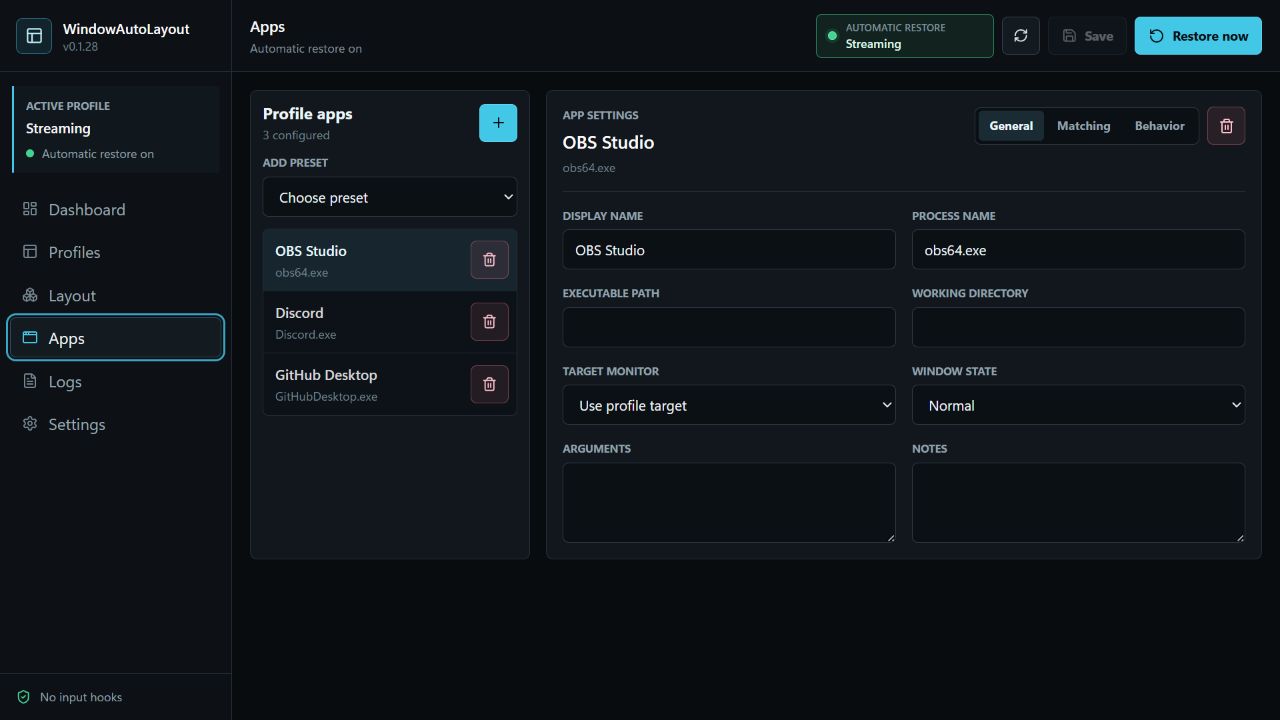
- Quick Start
- OBS And Tray Apps
- Profiles And Matching
- Automatic Restore And Startup
- Performance And Gaming
- Troubleshooting
- Testing And Releases
| Feature | What it does |
|---|---|
| One-action restore | Runs the active/default profile from any app page or the tray menu |
| Monitor capture | Captures the visible windows on a selected monitor into a profile |
| Exact placement | Verifies final DWM frame bounds and retries bounded placement drift |
| Mixed DPI | Saves physical display/work-area metadata for 4K, scaled, and negative-coordinate monitors |
| Stable monitors | Uses hardware-backed monitor identities instead of volatile DISPLAY1 numbering |
| Closed apps | Starts missing apps when the global launch option is enabled |
| Hidden tray apps | Recovers already-running minimized or tray-hidden apps before considering a launch |
| OBS recovery | Uses OBS's Qt tray path and a bounded presentation check to avoid duplicate or blank windows |
| Automatic restore | Reacts to Show Desktop and game-to-desktop transitions through Windows events |
| Lightweight tray mode | Destroys the WebView when the interface closes and keeps only the native tray process |
| Local storage | Stores config and bounded logs locally with no telemetry or accounts |
Restore now is the explicit command. It can launch closed apps, wake tray apps, and move every window in the selected profile.
Automatic restore is the optional event-driven guard. It restores already-running windows after Show Desktop or after leaving a game. It does not launch closed apps, poll every few seconds, or run while a game/fullscreen app is foreground.
Right-click the WindowAutoLayout tray icon:
Restore windows nowAutomatic restore: On/OffOpen WindowAutoLayoutOpen activity logExit
The tray tooltip, checked menu state, sidebar, and app header all report the same live status. Tray left-click can be configured to open the app or immediately restore the layout.
Source and development builds are available in the repository. Public installer publication remains blocked until the repository has final distribution terms, Authenticode signing, and a signed update channel. See Testing And Releases for the release gates.
%APPDATA%\com.rique.windowautolayout
WindowAutoLayout does not use telemetry, analytics, accounts, advertising, or background network calls.