A cross-platform AI chat assistant for C# and .NET developers
Offline retrieval meets real-time streaming generation — so answers are grounded, fast, and honest about what they know.


Most AI chat apps send your question straight to an LLM and hope for the best. This app does something smarter:
- Validates — is this actually a C#/.NET question?
- Retrieves — searches a local SQLite knowledge base (built from Stack Overflow C# data) for relevant chunks using BM25-ranked FTS5
- Grounds — injects retrieved context into the prompt before generation
- Streams — shows the Groq response token-by-token in real time
If no local context is found, the app still answers — but tells you so with a visible disclaimer. If the question is out of scope entirely, it says that too. No hallucinated confidence.
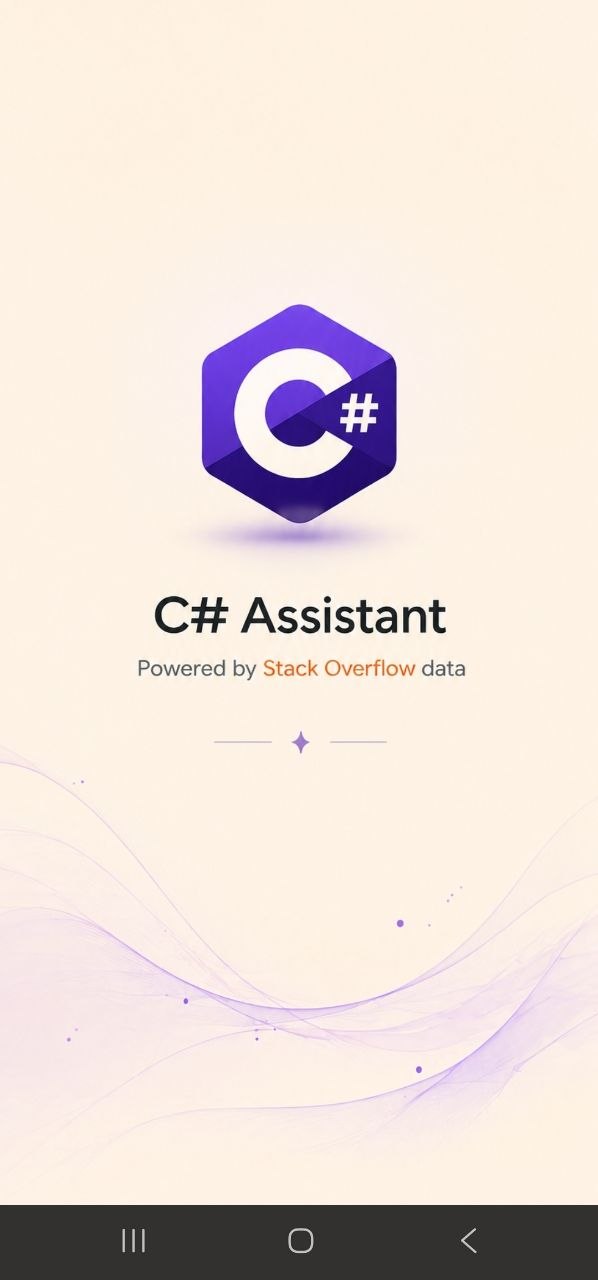
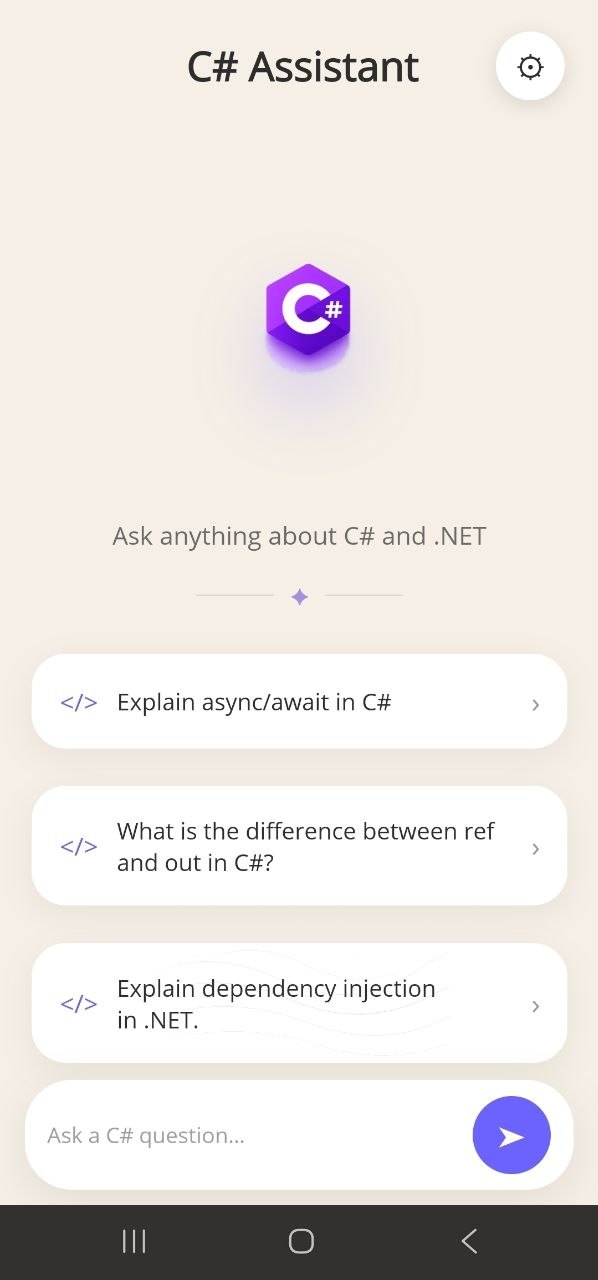
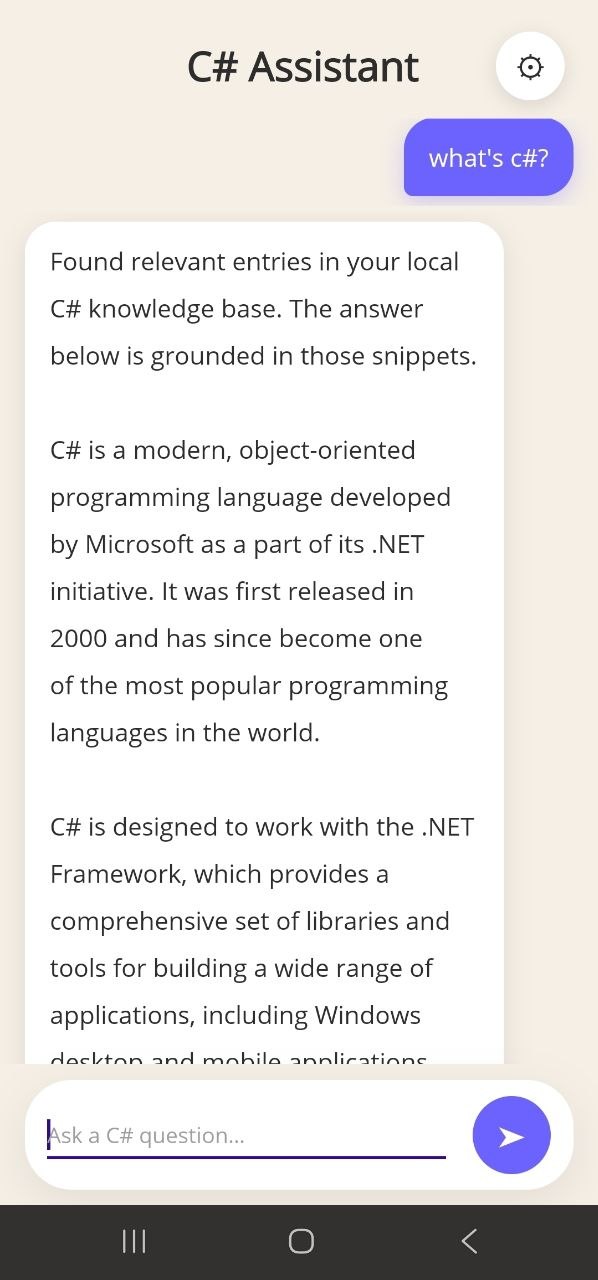
| Splash | Empty State | Active Chat | No Context |
|---|---|---|---|
 |
 |
 |
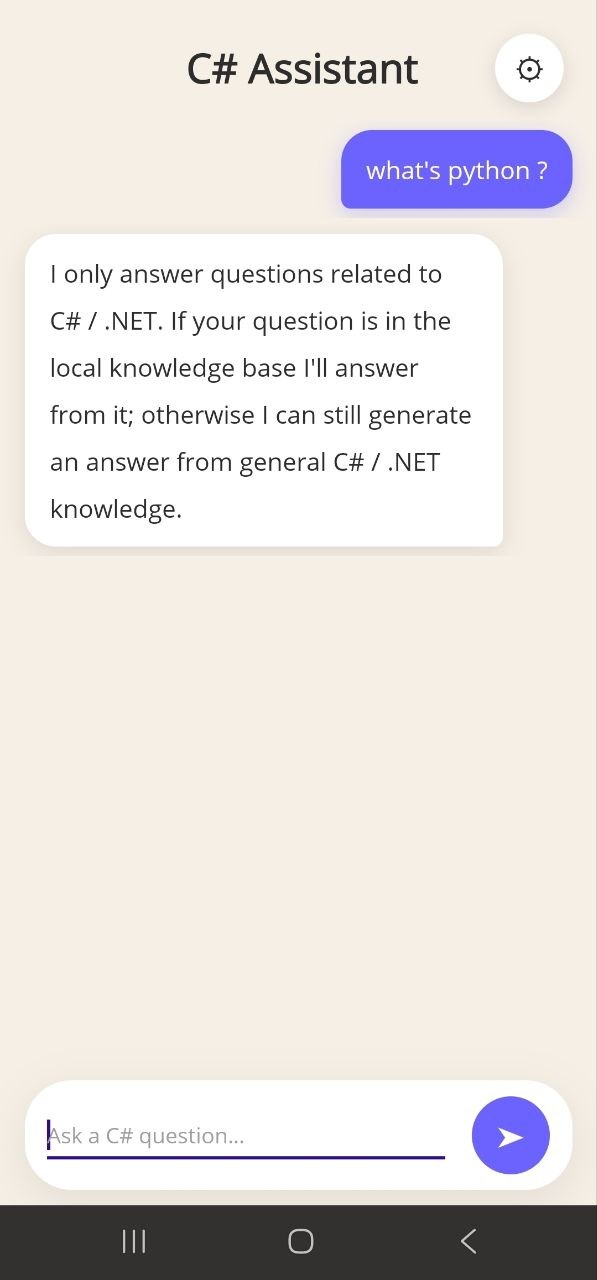 |
| App initialization with background data preloading | Guided entry with logo, tagline, and suggested prompts | Real-time streaming responses with grounding indicators | No relevant context detected — fallback answer generation |
User Input
    │
    ▼
┌─────────────────────────────────────┐
│         Scope Validation            │  llama-3.1-8b-instant, max_tokens=5
│   IsCSharpScopeAsync → YES / NO    │  Returns "YES" / "NO" only
└───────────────┬─────────────────────┘
                │ YES
                ▼
┌─────────────────────────────────────┐
│          FTS5 Retrieval             │  SQLite, BM25 ranking
│   AND search → OR fallback         │  Up to 3 chunks returned
│   RagSearchService.SearchAsync     │
└───────────────┬─────────────────────┘
                │
        ┌───────┴────────┐
        │                │
    Chunks found     No chunks
        │                │
        ▼                ▼
  Grounded prompt   Ungrounded prompt
  + disclaimer      + disclaimer
        │                │
        └───────┬────────┘
                ▼
┌─────────────────────────────────────┐
│         Groq API (streaming)        │  SSE, temperature=0.1
│   GenerateStreamAsync              │  HttpClient timeout = Infinite
└───────────────┬─────────────────────┘
                ▼
         Streaming Chat UI
| Layer | What lives here |
|---|---|
| UI | MainPage.xaml, LoadingPage.xaml, AppShell.xaml — MAUI XAML + C# code-behind |
| ViewModel | MainPageViewModel.cs — MVVM, ObservableCollection<ChatMessage>, streaming pipeline orchestration |
| Services | RagSearchService, GroqClient, PromptBuilder, AppSecrets |
| Storage | csharp_knowledge.db — SQLite FTS5, bundled as MAUI raw asset |
| Data pipeline | DataPipeline/build_db.py — Python offline script, not shipped in app |
The native splash (Maui.SplashTheme) and the windowBackground of Maui.MainTheme.Base are both set to #F5EFE6 (warm beige). This eliminates the white frame that typically appears between the OS splash and the first MAUI frame on Android. LoadingPage then holds for ~1.2 s while warming the DB, then swaps the window page to AppShell.
MainPage is registered as a singleton in DI and pre-inflated during LoadingPage.OnAppearing. When AppShell resolves it via DataTemplate, it gets the same pre-warmed instance — chat history survives navigation and startup is perceptibly faster.
Raw user input is sanitized (strip ' and ", split on non-word chars, drop tokens < 2 chars), then tokens are quoted ("token"*) to handle C#-specific characters like #, ., <>. AND precision search runs first; if empty, OR recall runs as fallback. On any SqliteException the service returns empty results gracefully.
Two prompt paths exist — grounded (context from DB) and ungrounded (general C#/.NET knowledge) — each with a user-visible disclaimer prepended to the streamed response. The scope-check prompt uses max_tokens: 5 and temperature: 0 to get a deterministic YES/NO. The generation prompt uses temperature: 0.1 with a single user message (no system role) for Flutter-parity behavior with llama-3.1-8b-instant.
Everything that touches the network or DB runs on the thread pool via Task.Run. Only UI mutations (bot.Text += chunk, scroll) are dispatched to the main thread via MainThread.InvokeOnMainThreadAsync. This avoids NetworkOnMainThreadException on Android and keeps the UI responsive during streaming.
- .NET 10 SDK with MAUI workload (
dotnet workload install maui) - A Groq API key (free tier available)
- Python 3.x — only if you want to (re)build the knowledge base
git clone https://github.com/softal55/RAG-CSharpAssistant.git
cd RAG-CSharpAssistantThe app checks three locations in order — first non-empty wins:
| Method | How |
|---|---|
| Environment variable | export GROQ_API_KEY=gsk_... |
| Raw asset file | Create Resources/Raw/groq.key containing just the key |
| App preferences | Set GroqApiKey in Preferences.Default at runtime |
⚠️ groq.keyandResources/Raw/groq.keyare in.gitignore. Never commit your key.
If you have the Stack Overflow C# dataset:
cd DataPipeline
pip install -r requirements.txt

# Place your dataset here:
# DataPipeline/stack_overflow_c#_data.jsonl

python build_db.py
# → produces csharp_knowledge.db (~100–150 MB)
Then rebuild the app so the new DB is bundled as a MAUI asset. Without a DB the app still works — RAG simply returns a "not ready" message and the LLM answers from general knowledge.
# Android
dotnet build -t:Run -f net10.0-android

# Windows
dotnet build -t:Run -f net10.0-windows10.0.19041.0

# iOS / Mac Catalyst (macOS host only)
dotnet build -t:Run -f net10.0-ios
dotnet build -t:Run -f net10.0-maccatalystbuild_db.py converts raw Stack Overflow JSONL into a searchable SQLite FTS5 database.
stack_overflow_c#_data.jsonl
        │
        ▼
   Parse JSON lines
        │
        ▼
   clean_html_preserve_code()     ← BeautifulSoup, [CODE]...[/CODE] markers
        │
        ▼
   smart_chunk_text()             ← ~800 char chunks, respects code block boundaries
        │
        ▼
   MD5 deduplication              ← ~150,000 chunk cap
        │
        ▼
   INSERT into FTS5 qa_index      ← chunk, source_question, tags
   INSERT into metadata           ← rowid, score, is_accepted
        │
        ▼
   csharp_knowledge.db
Accepted answers are labelled [ACCEPTED SOLUTION] and ranked first at query time via ORDER BY metadata.is_accepted DESC.
RAG-CSharpAssistant/
├── App.xaml(.cs)               # Application + merged resource dictionaries
├── MauiProgram.cs              # DI registration, fonts, builder
├── AppShell.xaml(.cs)          # Shell → MainPage route
├── MainPage.xaml(.cs)          # Chat UI, empty/chat toggle, bubble layout
├── LoadingPage.xaml(.cs)       # Splash warmup → AppShell swap
│
├── ViewModels/
│   └── MainPageViewModel.cs    # Observable state, streaming pipeline
│
├── Models/
│   └── ChatMessage.cs          # IsUser/IsBot, Text (INPC for streaming)
│
├── Services/
│   ├── IRagSearchService.cs
│   ├── RagSearchService.cs     # DB provisioning, FTS5 search
│   ├── IGroqClient.cs
│   ├── GroqClient.cs           # Scope check, SSE streaming
│   ├── PromptBuilder.cs        # All prompt strings and builders
│   └── AppSecrets.cs           # API key resolution (env → file → prefs)
│
├── DataPipeline/
│   ├── build_db.py             # Offline Python pipeline
│   ├── requirements.txt
│   └── README.md
│
├── Platforms/
│   ├── Android/                # MainActivity, styles.xml (no white flash)
│   ├── iOS/
│   ├── MacCatalyst/
│   └── Windows/
│
└── Resources/
    ├── Styles/                 # Colors.xaml, Styles.xaml
    ├── Raw/                    # groq.key (gitignored), csharp_knowledge.db
    ├── Fonts/                  # OpenSans Regular + Semibold
    └── Images/                 # csharp_logo.png, csharp_hex.png, etc.
| Platform | Target framework | Min OS |
|---|---|---|
| Android | net10.0-android |
API 21 (Android 5.0) |
| iOS | net10.0-ios |
iOS 15.0 |
| macOS | net10.0-maccatalyst |
macOS 15.0 |
| Windows | net10.0-windows10.0.19041.0 |
Windows 10 build 17763 |
Windows uses unpackaged-style deployment (WindowsPackageType = None).
- Expand knowledge base with more C# / .NET topics
- Add a debugging assistant mode (paste stack trace → get explanation)
- In-app settings panel to swap API key without restarting
- Fine-tuned domain model for tighter scope classification
- Multi-language UI support
- Automated pipeline for keeping the DB up to date
Sofiane Taleb — AI Student, University of Oran 1